TLDR
- 60+ new techniques have been added
- 20+ new playbooks with cited sources
- New payload system that bundles source code
- Live UI and report generator improvements
Update Summary
Lots of great additions have come through into version 1.1 “Armor Cannon” that we’re proud to share today! Our focus for this update was to increase the technique and playbook library and revamp our payload system. We also added some quality of life improvements for the report generator and “Live UI” plus some miscellaneous bug fixes.
The Technique Library Expands
As expected from a “malware technique emulation framework”, every update adds support for new techniques. In this update we’ve added over 60 new techniques across all main categories, taking our total count to more than 200.
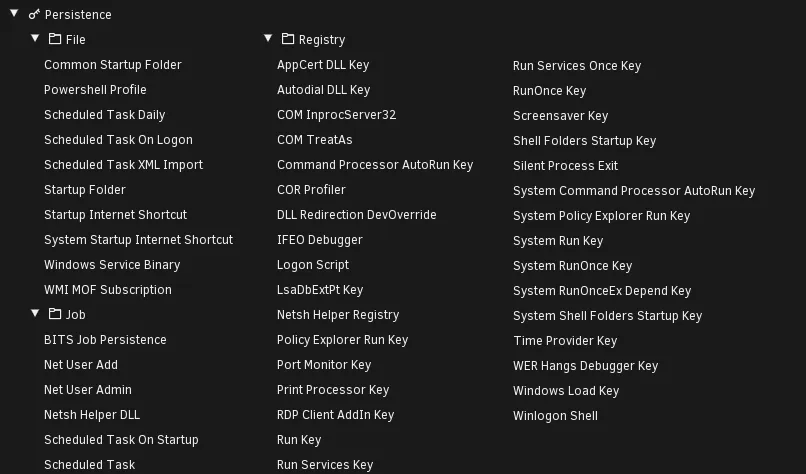
Our persistence category has matured the most this update, now sitting at 48 techniques:
Better Payload Transparency
Previously, payloads were precompiled and sorted into folders. Each payload had an accompanying markdown file explaining how it worked and (if applicable) how to generate your own variants.
While this approach worked well for the majority, power users that wanted to create their own variants of compiled payloads still had to rely on spending time searching online and hacking together their own PoCs in an IDE. This seemed needlessly time-consuming, especially for creating slight variations of our existing payloads.
We took this feedback and have created a better system for our payloads by taking inspiration from Atomic Red Team, where certain binaries came bundled with their source files.
Our New Solution
Combat Theater payloads are now encapsulated in individual folders with a standardized layout containing everything you need to easily clone and edit our payloads.
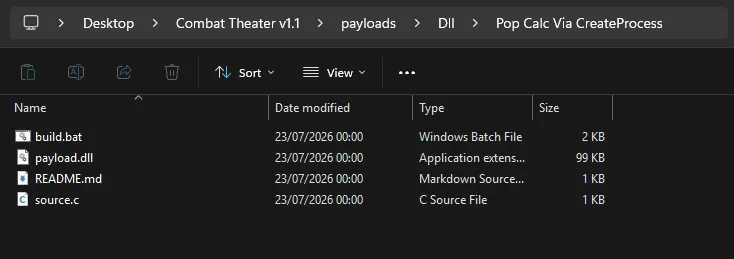

If the payload is a compiled binary, a build script is bundled so you can simply edit the source files then run the build batch script. Combat Theater will auto-detect new payloads without requiring a restart or refresh, meaning once a new payload is made it’s instantly usable, perfect for rapid prototyping and testing!
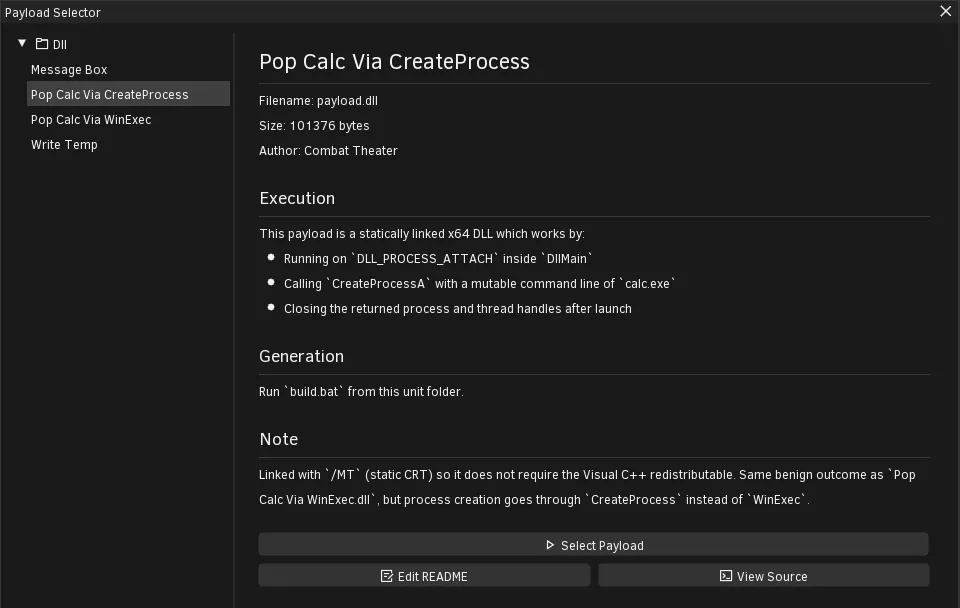
You can also quickly edit the readme and view the source from the payload viewer with new buttons:
New Playbooks & Improvements
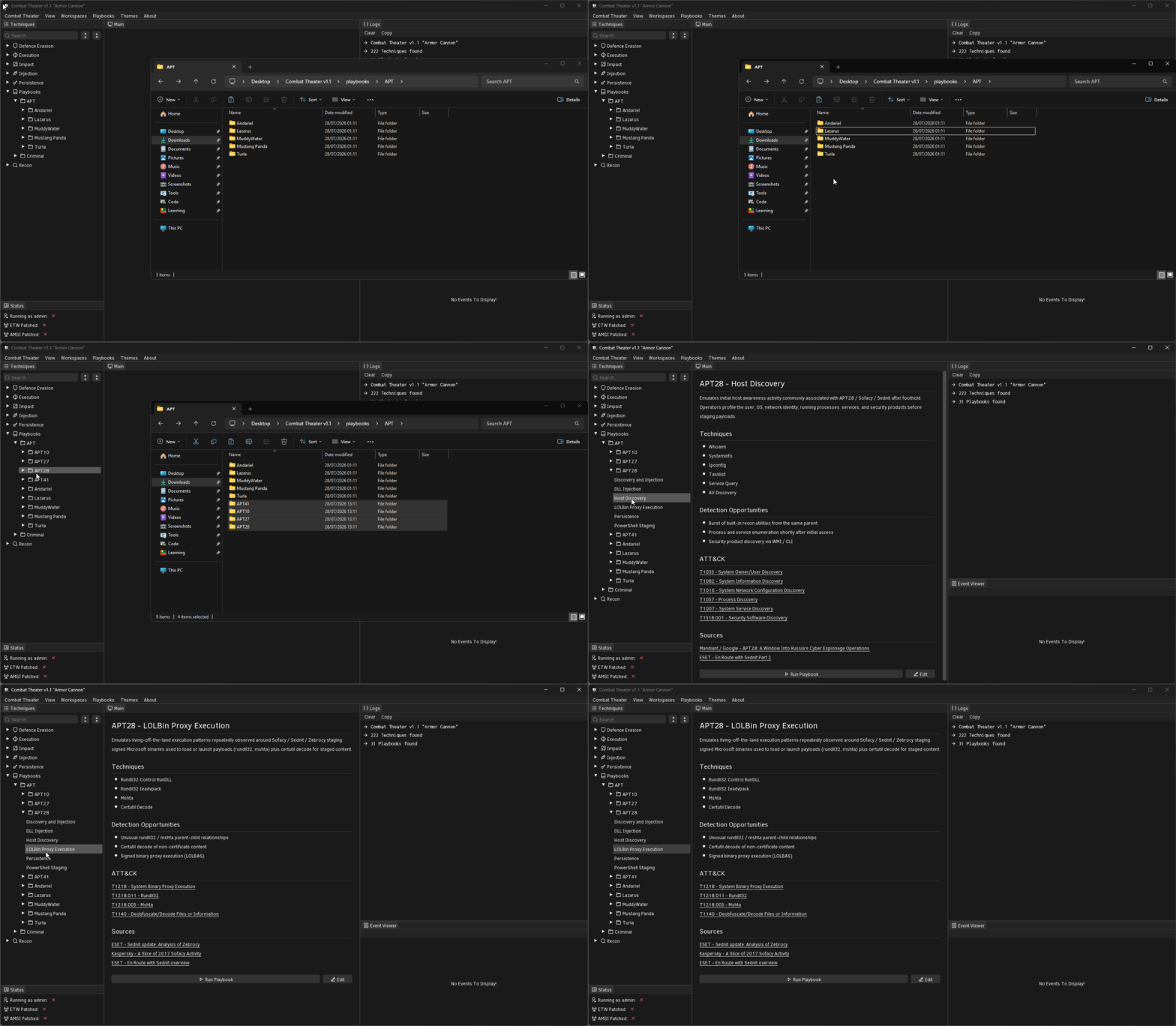
We’ve added a collection of new APT playbooks into the library spanning a range of new groups:
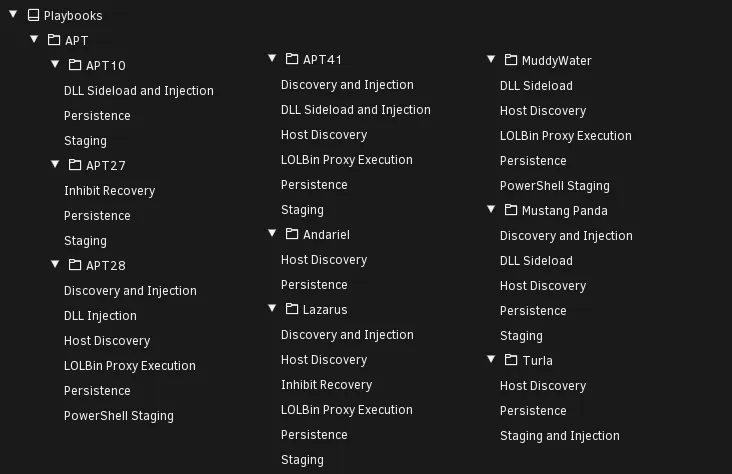
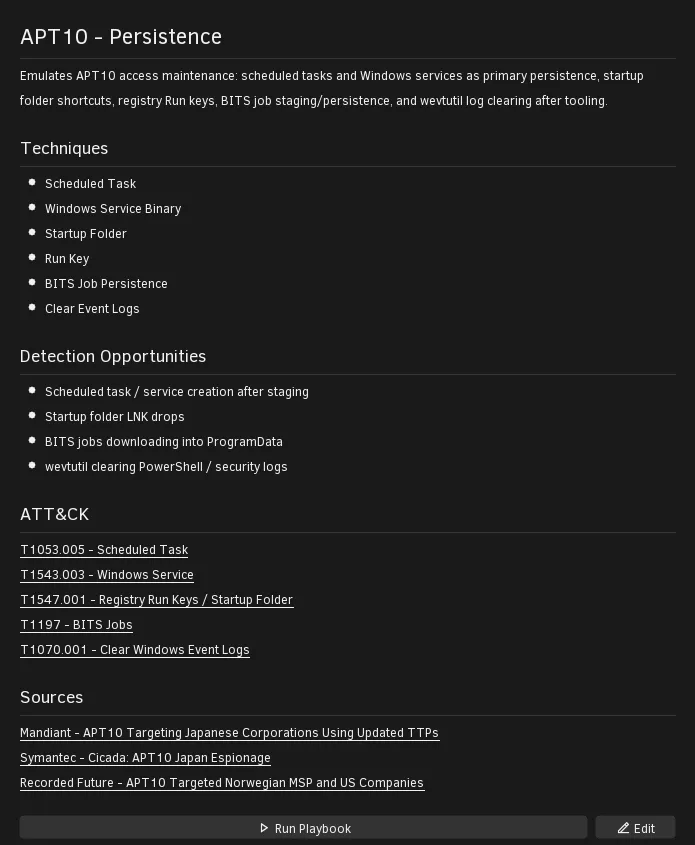
Playbooks that reference APT or criminal groups now have cited sources in their readme files:
Live UI
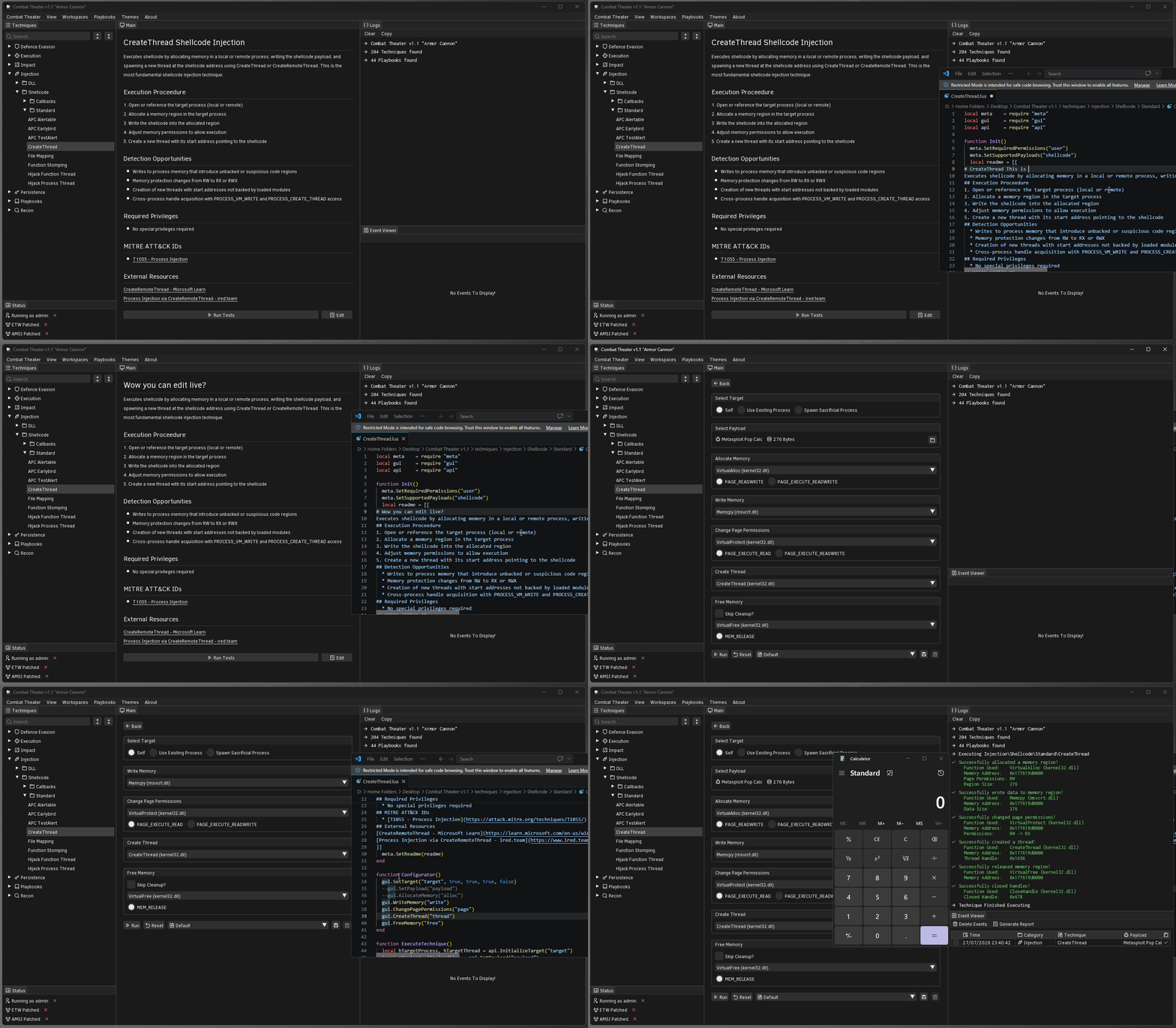
“Live UI” is a feature that allows Combat Theater to hot-reload files on the fly: technique scripts, payloads, playbooks, readmes, etc. This allows for nearly all tasks to be performed without you having to restart or press any refresh buttons.
What does this look like in practice?
Adding New Payloads
Making/Editing A Technique
Importing Playbooks
Additional Changes
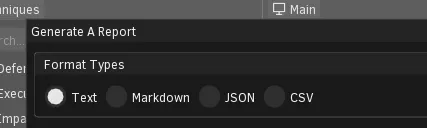
Report Generator
We’ve added new format types (CSV and JSON).
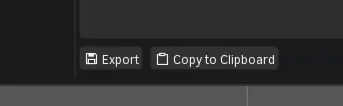
We’ve also added the ability to export to file rather than only supporting copy-paste.
CLI mode is now a separate binary
Previously, enterprise customers could access Combat Theater CLI by executing the normal CT executable via a shell and supplying flags. This ended up being rather confusing as executing without flags would launch the full GUI app.
To avoid customers having to read the docs, a separate binary Combat Theater CLI.exe now comes bundled with enterprise builds, making it more intuitive to access.